
I used to generate a clip, post it to TikTok, and call it done. Then I’d watch the same concept die on YouTube Shorts because the framing was wrong, and flop on Instagram because the pacing was off. Each platform wants something slightly different, and generating separately for each one was burning through my credits and my evenings. So I built a single workflow that turns one AI shoot into native-feeling content for every platform. Here’s the whole system.
Why “Post Everywhere” Fails Without a Workflow
The naive approach — export once, upload everywhere — fails for three concrete reasons:
- Aspect ratios differ in practice. Yes, everything is “vertical” now, but TikTok rewards full-bleed 9:16 while YouTube Shorts tolerates (and sometimes prefers) slightly letterboxed content with visible captions.
- Pacing expectations differ. TikTok wants the hook in the first second; YouTube Shorts viewers give you maybe two; Instagram Reels sits somewhere between but punishes slow middles hardest.
- Audio behavior differs. TikTok is sound-on culture; a huge share of Reels and Shorts views happen muted, at least at first. If your video only works with audio, you’re losing half your audience on two platforms.
The answer isn’t three separate productions. It’s one shoot planned for adaptation — generate once with all platforms in mind, then adapt in edit. The generation is the expensive part; the adaptation is cheap.
Phase 1: Plan the Shoot for All Platforms (Before Generating Anything)
Every multi-platform workflow starts before the first prompt. I plan each concept on a single brief page with four fields:
- The core clip: the 8-15 second AI generation at the heart of it. One strong visual idea.
- The hook frame: the single most striking frame, which becomes the thumbnail/cover on every platform.
- The text layer: the caption or on-screen text, written to work muted. If the video needs audio to make sense, I redesign the concept.
- The platform cuts: where each platform’s version starts and ends. TikTok gets the fastest cut; YouTube gets a breath more context.
This is a lighter version of the shot-list discipline I use when handing footage to an editor — decide the structure before spending a single credit. The brief takes ten minutes and saves hours.
Phase 2: Generate Platform-Agnostic (The Shoot)
Here’s the counterintuitive part: I generate the core clip with no platform in mind. No “TikTok style,” no “YouTube energy.” Just the best possible version of the visual idea, framed with safe margins.
Safe Margins: The Technical Key
Generate and frame so the important action lives in the center 80% of the frame. Platform UI overlays — TikTok’s right-side buttons, YouTube’s title area, Instagram’s bottom bar — eat the edges. If your subject’s face is near the edge, some platform’s interface will cover it. Center-weighted composition survives everywhere.
I also generate slightly longer than any single platform needs — 12-15 seconds for a concept that will ship as 8-10. The extra handles give each platform’s cut room to breathe differently. Trimming is free; wishing you’d generated two more seconds is expensive.
One Concept, Three Hooks
While generating, I note three candidate hook frames: the most visually striking moment, the most emotionally expressive moment, and the most curious moment (the one that makes you ask “what happens next?”). Different platforms respond to different hooks, and having options beats re-generating. This connects to my weekly batch workflow — when I plan a week of shorts in one session, hook variety per concept is part of the template.
Phase 3: The Adaptation Edit (Where One Becomes Many)
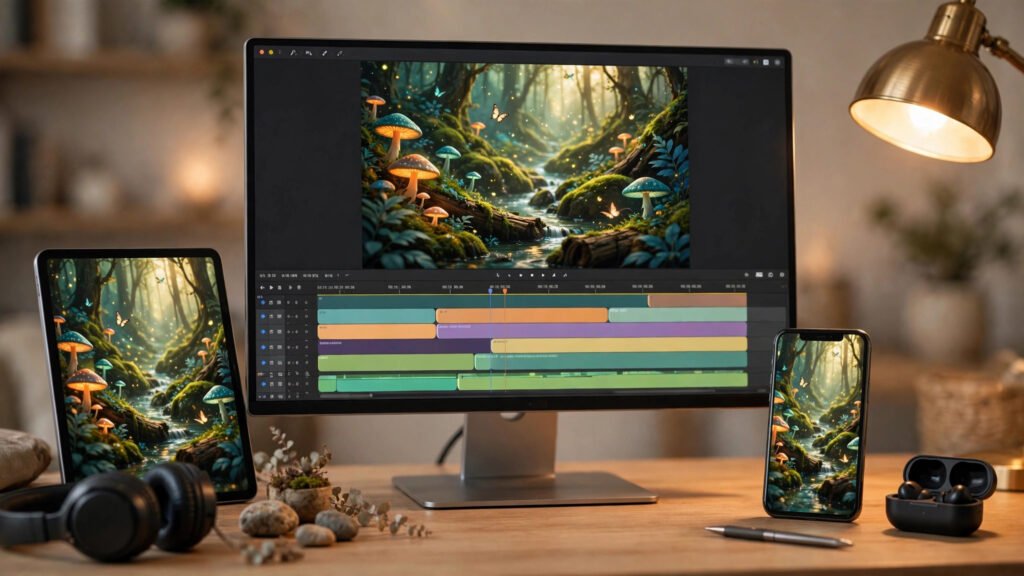
This is the actual workflow — the repeatable edit pass that turns one shoot into platform-native posts. I do it in a reusable Premiere timeline template with labeled tracks per platform, so the structure is identical every time.
TikTok Cut: Fastest Hook, Native Sound
- Length: 7-10 seconds. Cut any frame that isn’t earning attention.
- Hook: most striking frame in the first 0.5 seconds. No fade-in, no title card, no mercy.
- Audio: trending or original sound, full volume. TikTok is sound-on; use it.
- Text: minimal on-screen text — one short line max. Let the sound carry it.
- Captions: write the caption for search (TikTok is a search engine now): keywords first, then hashtags.
YouTube Shorts Cut: Context + Retention
- Length: 10-15 seconds. Shorts viewers tolerate slightly more setup.
- Hook: curious frame first — Shorts rewards the “wait, what?” opening slightly more than pure spectacle.
- Audio: keep it, but ensure the video works muted too — add burned-in captions for any dialogue.
- Text: a title-safe headline at top. Shorts viewers read.
- End: cut on the peak moment, not after it. Shorts loop; ending at the peak makes the loop invisible and replays addictive.
Instagram Reels Cut: Polish and Shareability
- Length: 8-12 seconds.
- Hook: most emotionally expressive frame. Reels shares run on feeling.
- Audio: trending Reels audio if it fits — Instagram’s algorithm favors it. Otherwise original.
- Text: slightly more designed — Reels audiences accept (and expect) nicer typography.
- Cover: pick the cover frame deliberately; Reels grids are visual, and a good grid drives profile visits.
The Adaptation Checklist
For every platform cut, I run this checklist before export:
- Subject clear of UI overlay zones? (center 80% rule)
- Hook lands in the first second?
- Works muted? (captions/text carry the meaning)
- Ends at peak, not after? (loop-friendly)
- Caption written for that platform’s search?
- Cover frame chosen deliberately?
Phase 4: Publish in the Right Order
Order matters more than people think. My posting sequence:
- TikTok first. Fastest feedback loop. Within an hour I know if the concept works — watch time and shares tell the truth.
- Winners go to Reels next (same day, few hours later). Only concepts that performed on TikTok earn the Reels slot.
- Shorts last (next day). Shorts has the longest shelf life, so it gets the proven winners with the most thoughtful packaging.
This sequencing means I’m not spreading effort evenly — I’m concentrating it where the data says it belongs. A concept that flops on TikTok doesn’t get a Reels cut; it goes back to the idea pile. The prompt library gets the winners tagged by platform performance, so next month’s batch starts from proven concepts.
The Numbers: What This Workflow Actually Saves
Before this system, a three-platform week meant roughly 15 separate generations (5 concepts × 3 platform-specific versions), each needing its own prompt tuning. Now it’s 5-6 generations total — one strong core clip per concept, sometimes a second angle — plus adaptation edits that take 15-20 minutes per platform in my template timeline.
The credit savings are real, but the bigger win is creative: because I’m not re-generating per platform, every version shares the same strong core visual. The concept stays coherent. My content started looking like a body of work instead of scattered experiments — which is exactly what series-level consistency is about, applied to distribution instead of story.
Common Mistakes I Made Building This
- Generating in 9:16 and assuming it fits everywhere. It “fits,” but UI overlays differ. The center-80% rule fixed this.
- Same caption everywhere. TikTok search, Instagram hashtags, and YouTube titles are different games. Write per platform.
- Posting simultaneously. Staggering gives you data to allocate effort. Simultaneous posting wastes winners and losers equally.
- Skipping the muted test. Watch every cut with sound off before exporting. If it’s confusing muted, add text.
- No performance tagging. If you don’t record which concepts won on which platform, you’re re-learning the same lessons monthly.
The Repurposing Calendar: A Sample Week
Here’s what this workflow looks like as an actual week, so you can see the rhythm. I run five concepts per week — Monday is shoot day, Tuesday through Friday is adaptation and publishing.
- Monday — Shoot day (2 hours): write five one-page briefs, generate five core clips with safe margins. Note three hook candidates per concept. Tag everything in the prompt library.
- Tuesday — TikTok cuts (1 hour): cut all five TikTok versions in the template timeline, write search-first captions, publish all five spaced through the day.
- Wednesday — Read the data (30 min): check watch time and shares. Pick the 2-3 winners. The losers go back to the idea pile — no Reels cut, no Shorts cut, no sunk-cost fallacy.
- Thursday — Reels + Shorts cuts (1.5 hours): adapt only the winners. Reels versions in the morning, Shorts versions in the afternoon. Run the adaptation checklist on every export.
- Friday — Publish + review (1 hour): Reels go live midday, Shorts in the evening. Log performance per concept per platform. Update the prompt library tags with what won where.
Total active time: about six hours a week for fifteen platform-native posts from five generations. The Friday review is the compounding part — after a month, your prompt library knows exactly which concept types win on which platform, and Monday shoot days get dramatically easier. This is the same batching logic as my weekly batch workflow, extended across the full distribution chain.
The Takeaway
One shoot, every platform isn’t about cutting corners — it’s about putting the expensive work (generation) where it counts once, and the cheap work (adaptation) where each platform’s quirks live. Plan the brief, generate platform-agnostic with safe margins, adapt per platform in a template, publish in feedback order. Four phases, repeatable weekly. That’s the whole workflow, and it’s the reason I can run three platforms on a one-person operation without burning out.