
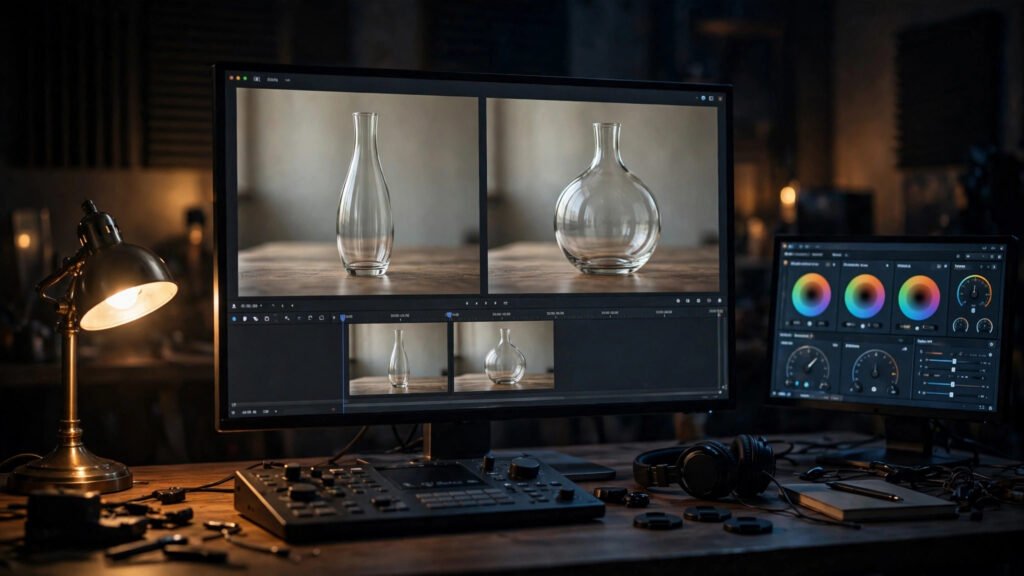
AI Video Morphing Fix: Stabilize Objects That Shift Between Frames
Learn how to fix AI video morphing with my tested workflow: diagnose drift, patch shifting objects, and stabilize temporal consistency in Premiere Pro.
Rescue and improve AI-generated footage — fix artifacts, upscale quality, and enhance details in post-production.
Learn how to fix AI video morphing with my tested workflow: diagnose drift, patch shifting objects, and stabilize temporal consistency in Premiere Pro.
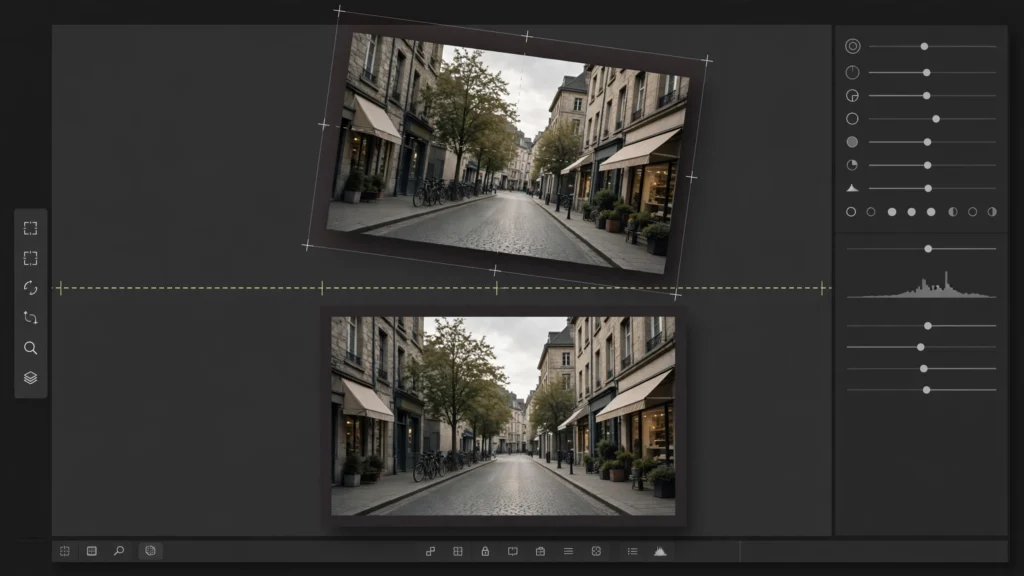
Every AI editor learns this the hard way: you take a jittery generation, throw a stabilizer at it, and get back something that wobbles like it was shot through
Flicker is the defect viewers feel before they can name it. In our finishing pass in Premiere Pro, we treat flicker as a diagnosis problem, not a filter
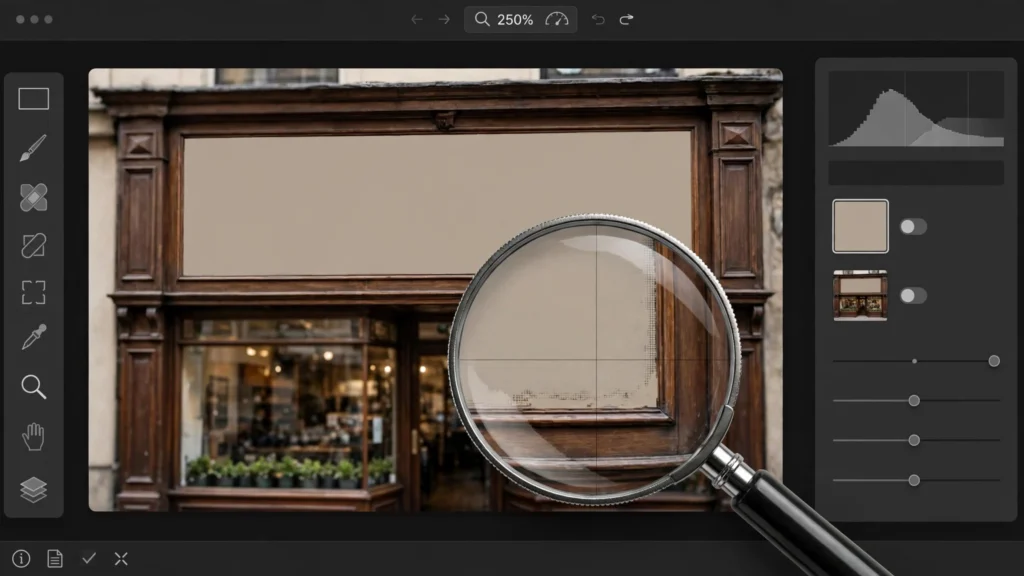
Nothing breaks a generation faster than a sign that says almost-words. Viewers may forgive a soft hand. They will screenshot garbled text and share it. We run
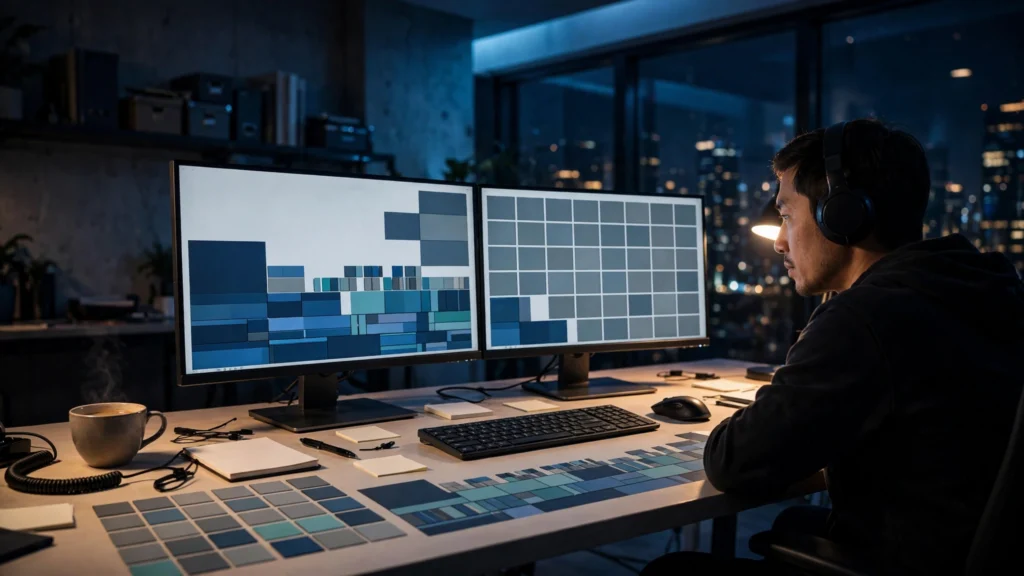
Ten minutes. That is our working budget for saving a flawed AI clip in Premiere Pro before the honest answer becomes “regenerate it.” Not because longer
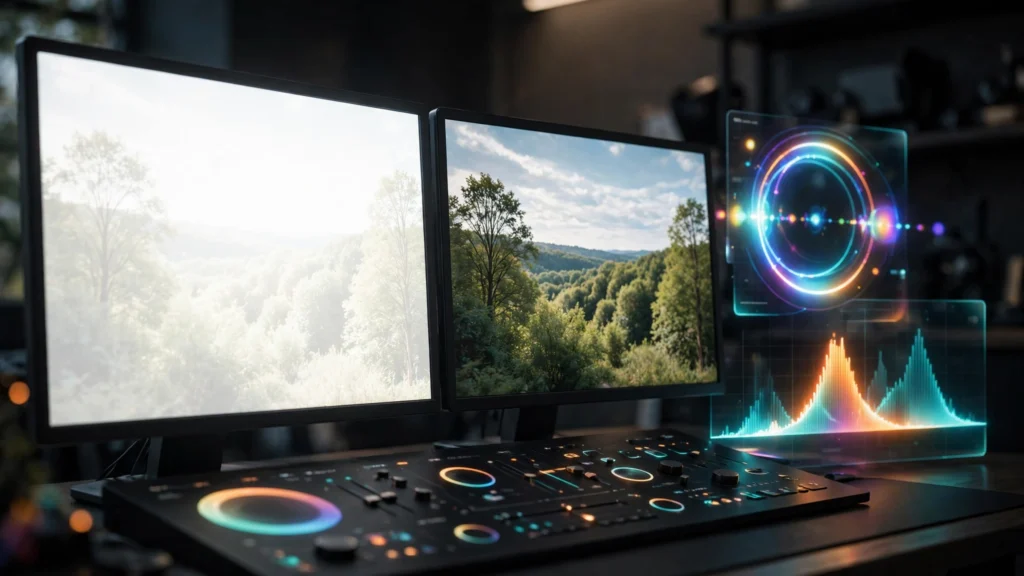
Some generations come back too hot — faces blown to porcelain, skies like paper — and others come back as mud, promising shadows that deliver grey soup. Both
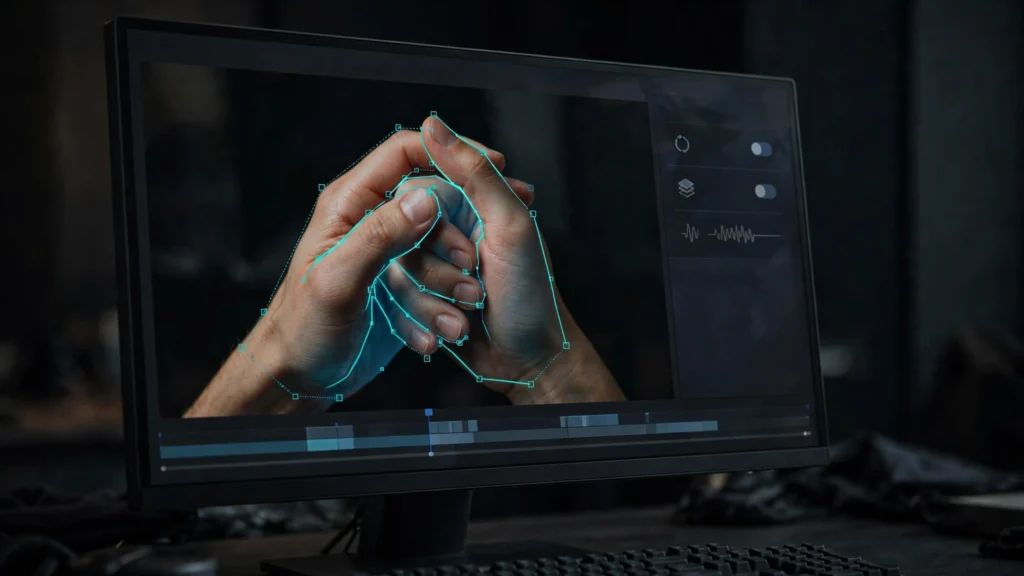
Hands remain the fastest way a generation gives itself away. The face holds, the performance works, and then a hand crosses the frame with the wrong number of
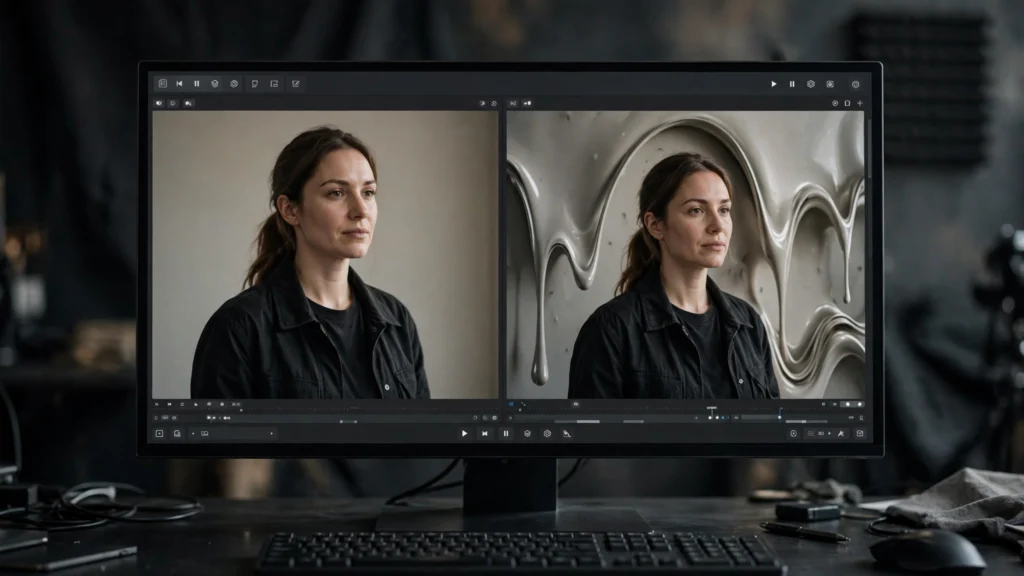
It is the cruelest pattern in AI video: the face is perfect, the performance lands, and behind the subject the room is quietly turning to soup. Door frames
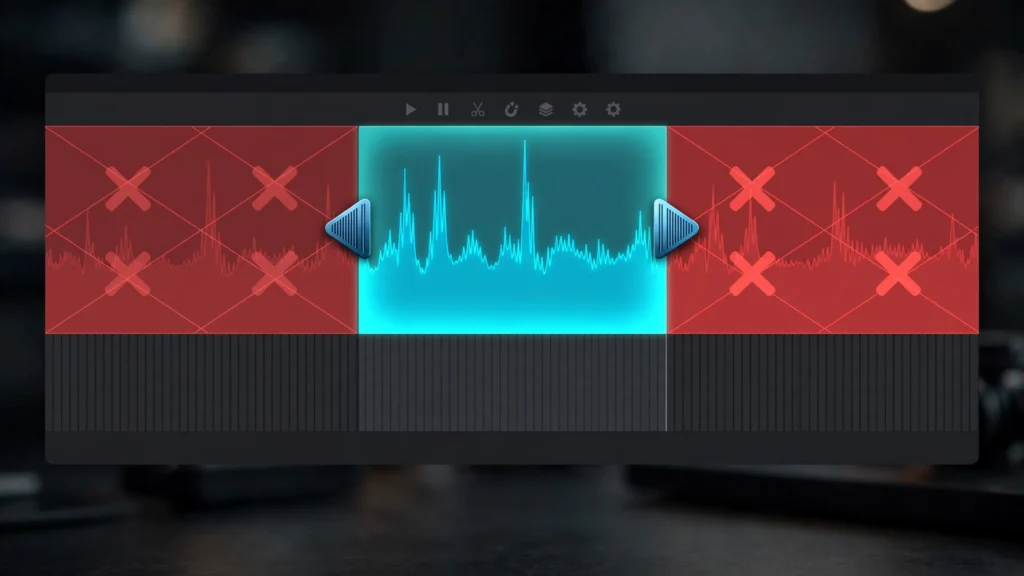
Watch a raw AI generation from the very first frame and you will usually see it wake up. The first half-second shimmers, softens, or arrives half-formed; the
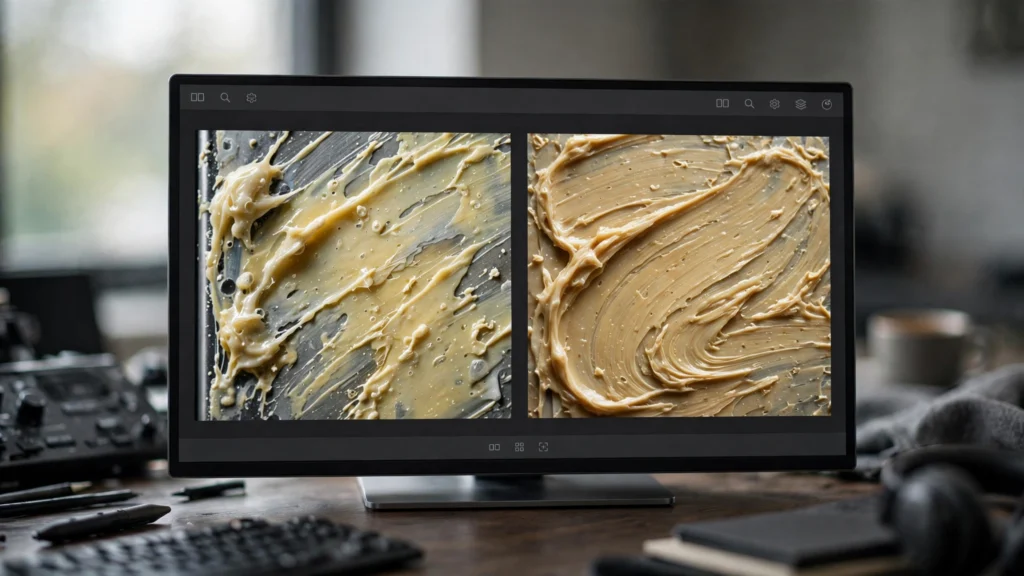
Upscaling is sold as improvement, and sometimes it genuinely is. But every AI editor has watched an enhancer take a decent clip and return it wearing halos,
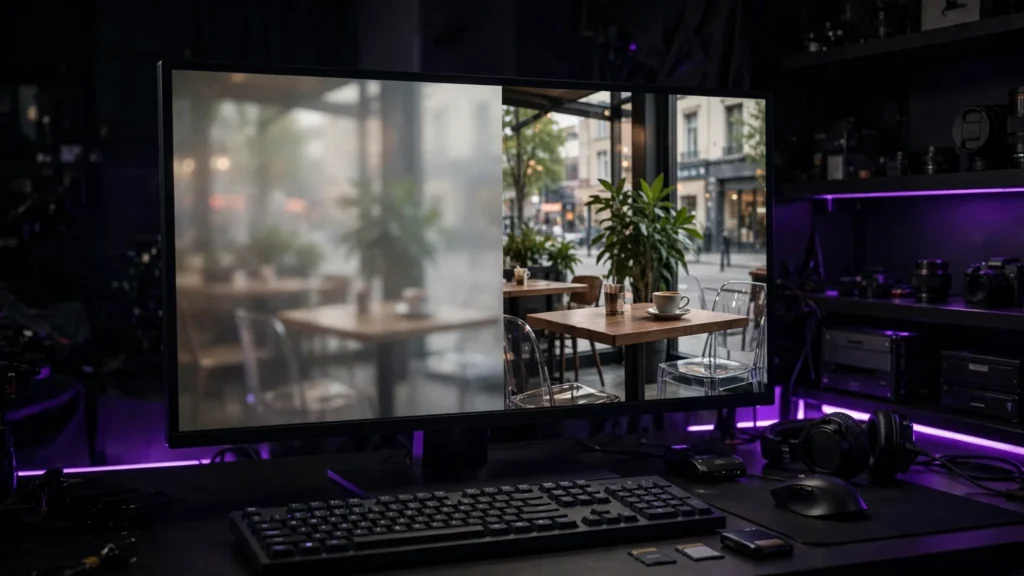
Upscaling cannot rescue a bad generation. When it actually earns its cost — big screens, hero shots, higher-quality encodes — and when to skip it.
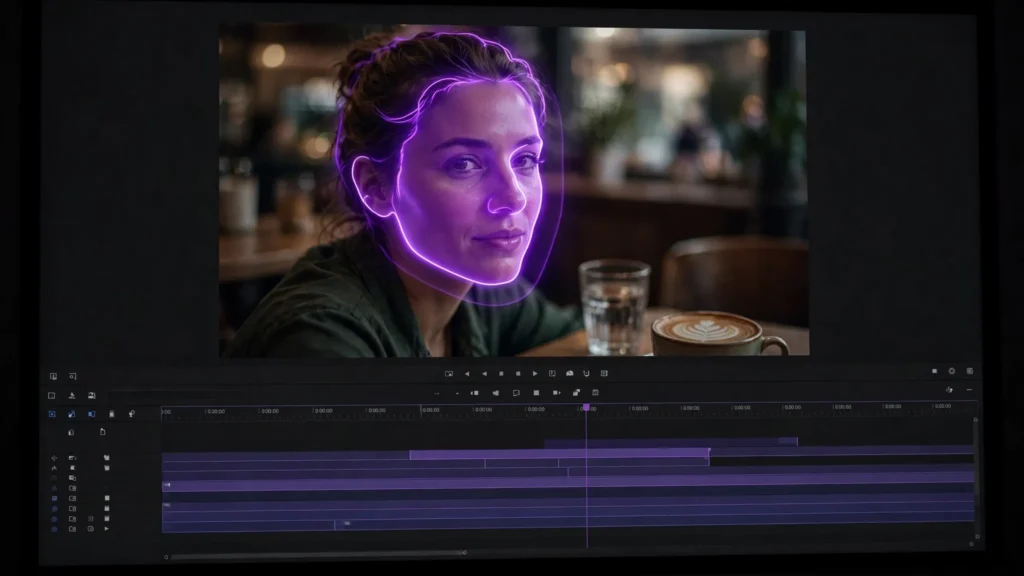
Why AI faces melt mid-shot, and the repair ladder that fixes most of them: prevent it, re-roll with a locked seed, inpaint just the face, or cut around it.