

Create Better AI Videos. Faster
Viral-ready prompts, AI video tools, workflows and tutorials
Latest Articles
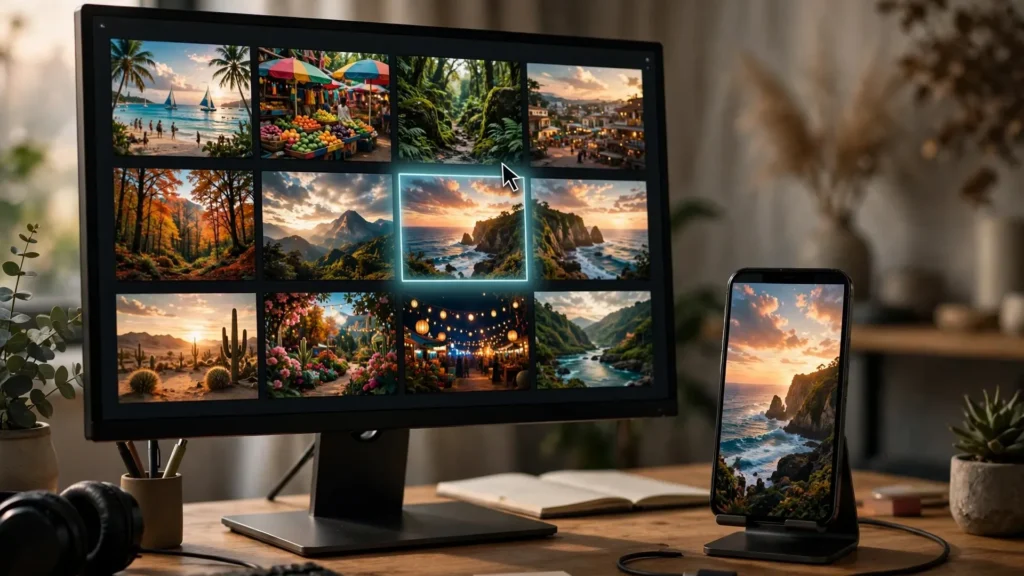
Covers And Thumbnails From Your Best Frame
The frame you stop on decides the click. Pick covers from your strongest moments, not random exports.
YouTube Monetization Rules For AI Video In 2026: What Actually Gets Rejected
What YouTube actually rejects in 2026, what passes, and how to keep AI income safe.
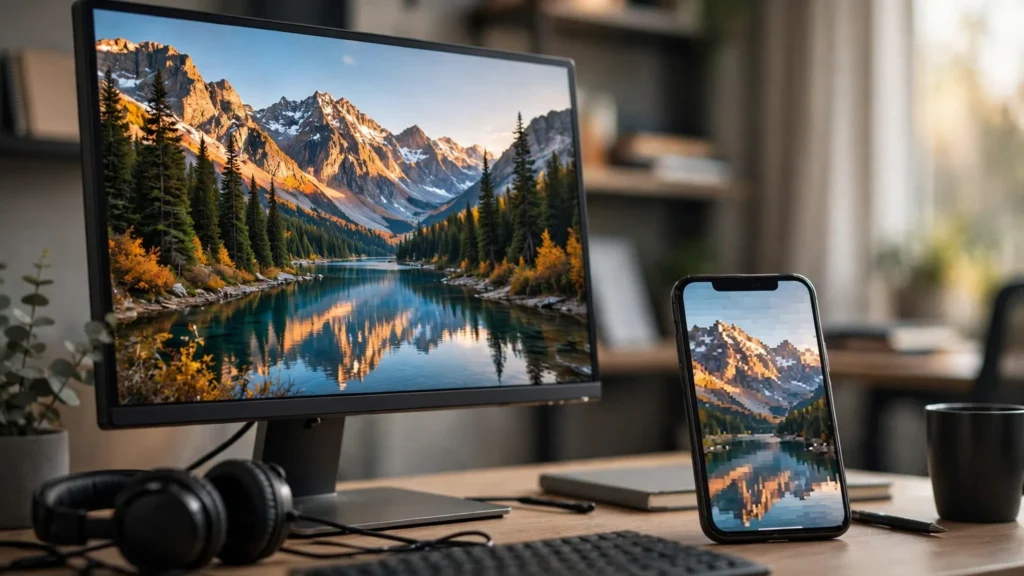
Why Your Upload Looks Worse Than Your Export: Platform Recompression Explained
Your export is fine — the platform squeeze is not. Why uploads soften and how to fight back.

Why Your First Ten AI Videos Will Look Bad (And Why That Is Normal)
Your first clips will look rough. That is the tuition every creator pays — here is how to pay it faster.
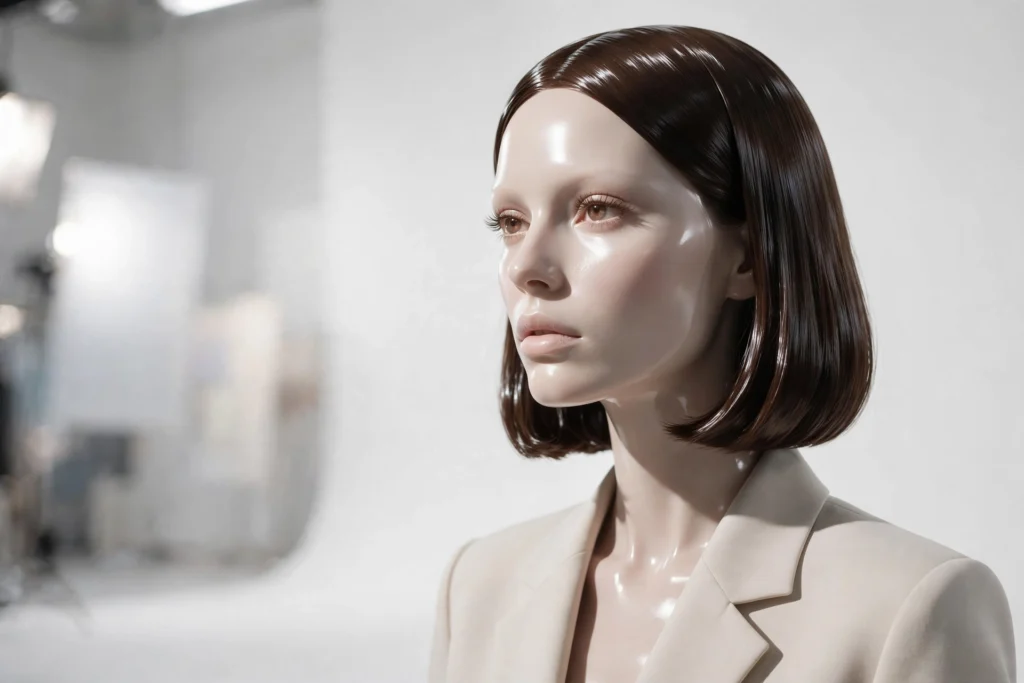
When Negative Prompts Backfire: Over-Negating And The Plastic Look
Too many no’s in the prompt and everything turns to plastic. Where the line actually is.
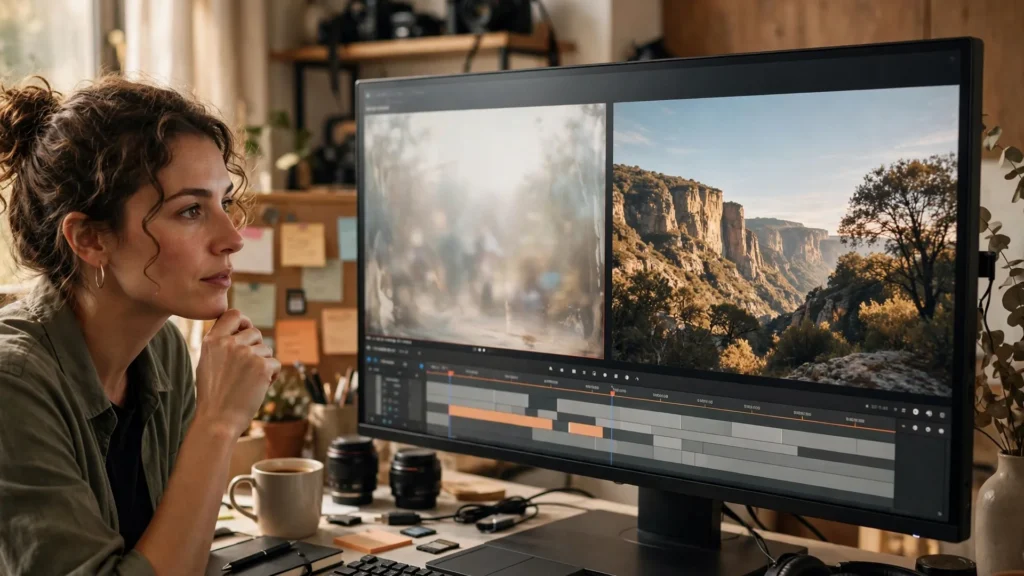
Why Your AI Video Looks Cheap: Nine Quality Killers And Their Fixes
Cheap-looking AI video has nine usual causes. Fix them one by one and the footage levels up.
Still Think You Need a Camera?
If You Can Imagine It, You Can Film It
From Prompt to Published
See How a Video Goes From Idea to Internet

Write the Prompt
Start with a detailed prompt that describes your scene, characters, camera, and motion. Use the Ready To Use Prompts for ready-to-use ideas that already work.
Browse the Ready To Use Prompts
Generate the Video
Plan your scenes on a storyboard first, then paste the prompt into Seedance or Veo and generate your clip when everything looks right.
Learn Storyboarding
Edit & Publish
Trim the clip, add music or a voiceover, fix small glitches, and export it ready for TikTok, Reels, or Shorts in any format you need.
One Clip, Five FormatsReady To Use Prompts
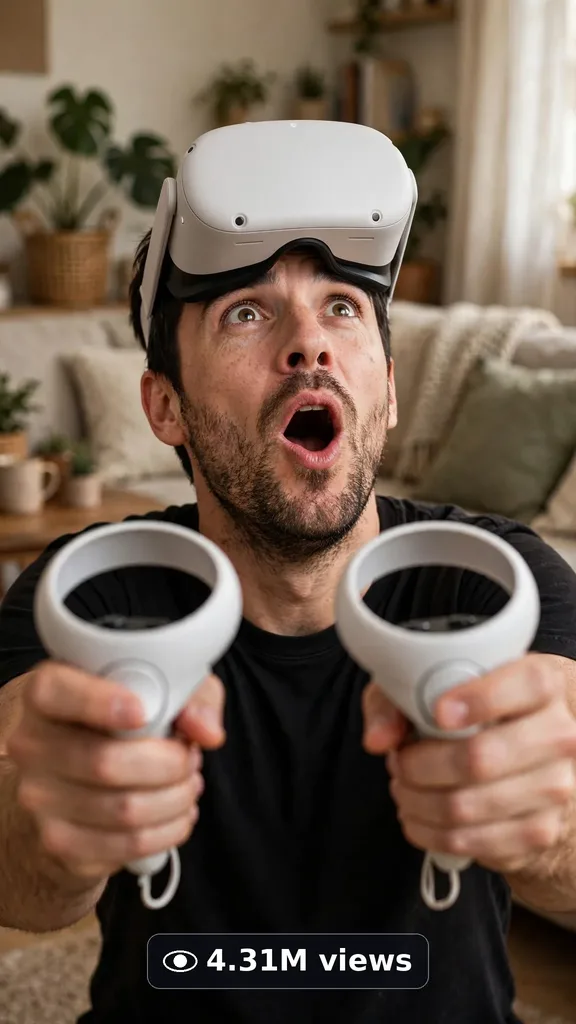
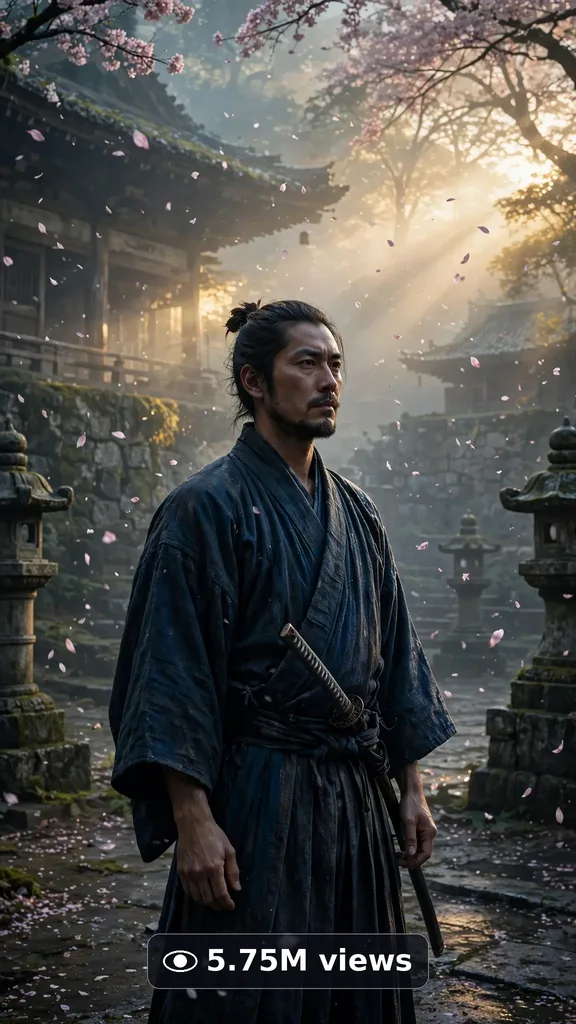
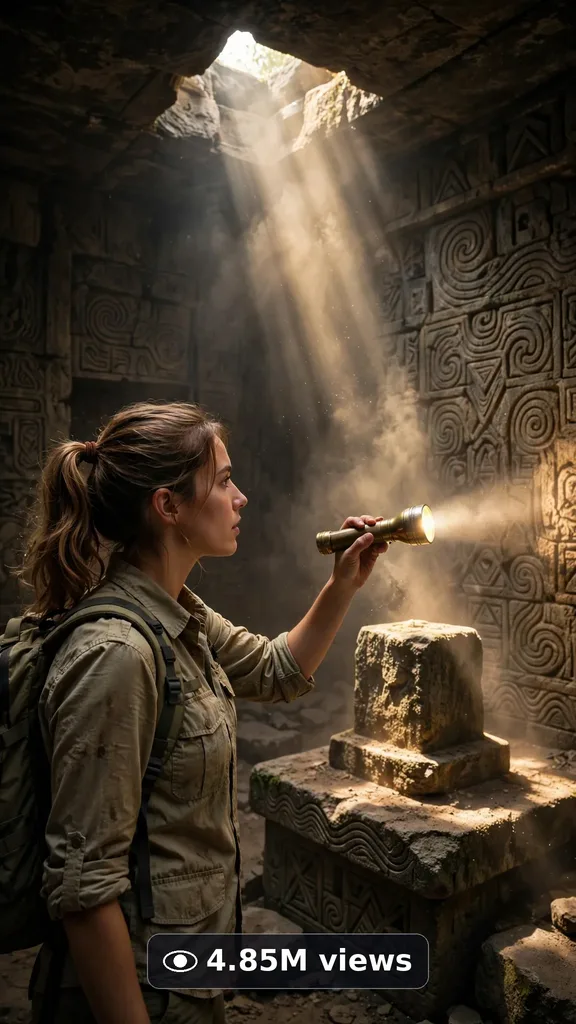
A growing library of reusable prompt systems for Veo & Seedance. Paste once, get 10 viral ideas, generate unlimited videos.
Explore by Topic




New To AI Video? Start Here
Follow This Path From Zero To Your First Viral Clip.



Why Learn With Viral Clip Lab
Honest Comparisons
No sponsored rankings. Real strengths, real weaknesses.
Practical Systems
Reusable prompt templates and workflows that actually work.
Always Current
Guides updated for 2026’s tools, models, and pricing.
Creator-First
Written by creators, for creators. No fluff, no filler.
220+
In-Depth Guides
4
Core Topics
40+
Video Terms Explained
100%
Free Forever
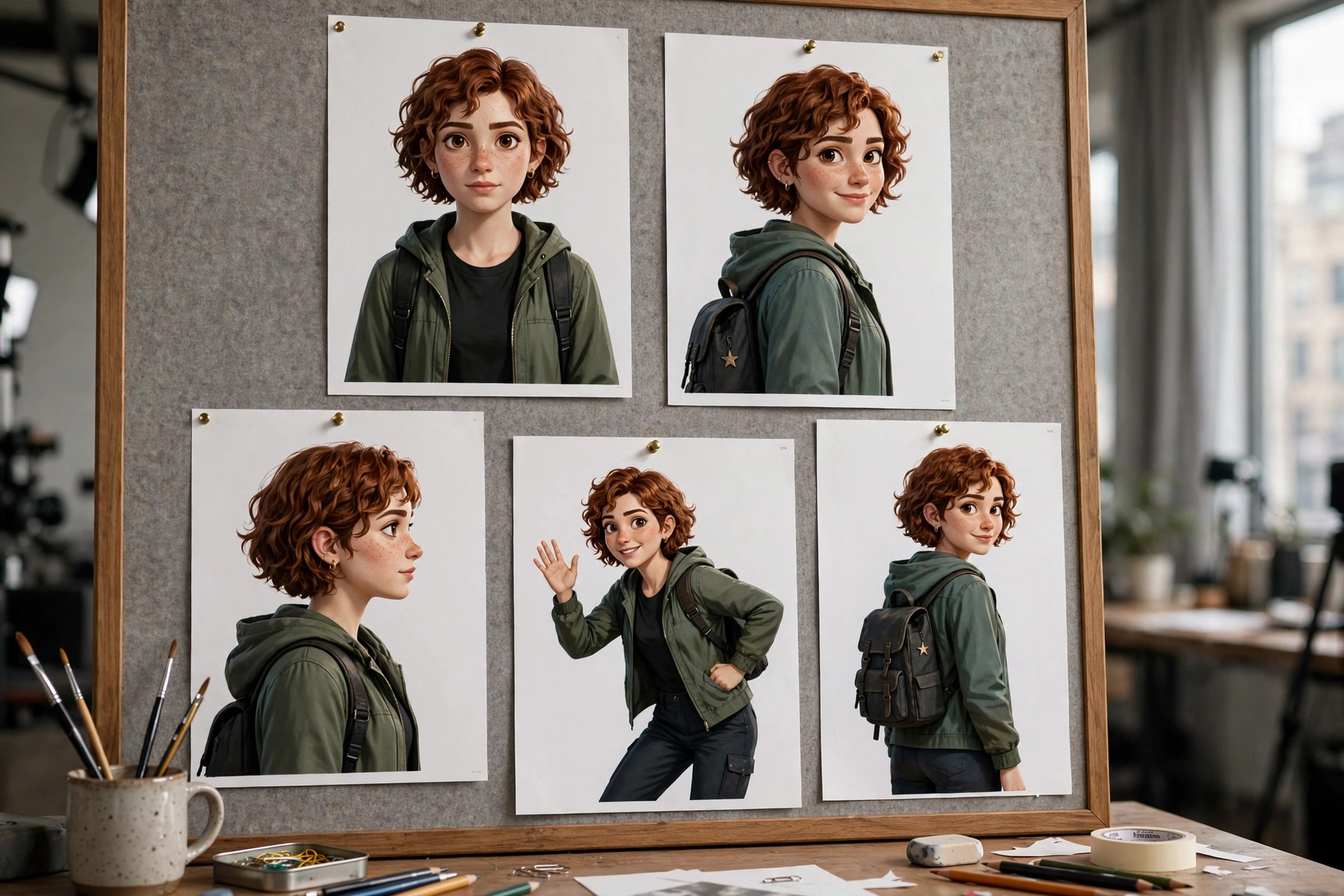
Consistent Characters Across a Whole AI Video Series
The hardest part of a series is not the first clip — it is keeping the same character in every clip after it. This guide walks through how to keep one character looking right from the first clip to the last, with references, prompts, and review checks.
Read the GuidePopular Guides






AI Monetization
Turn AI videos into income. Real strategies for YouTube, TikTok, affiliates and more.



Why Viral Clip Lab?
100% Free Prompts
Every ultra master prompt system is free. No sign-up, no paywall, no catch.
Honest Tool Breakdowns
Real comparisons of Veo, Seedance, Kling and more. What works, what doesn’t, what it costs.
Pro Workflows
Step-by-step processes from first prompt to final cut. Built for creators who want results.
Made for Short-Form
Every tutorial and prompt is designed for TikTok, Reels and Shorts. Vertical-first, always.
Inside the Lab
Every Guide Here Comes From a Real Project
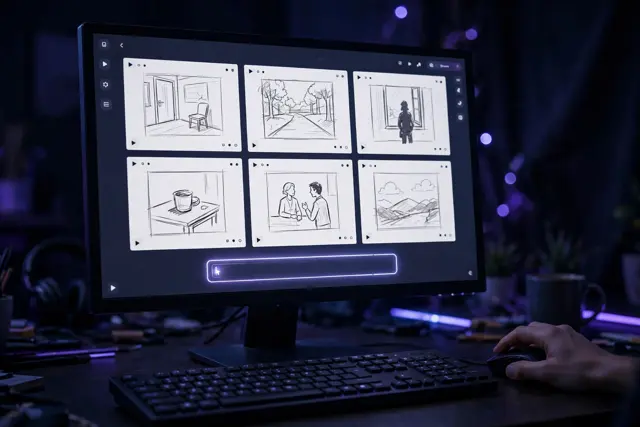
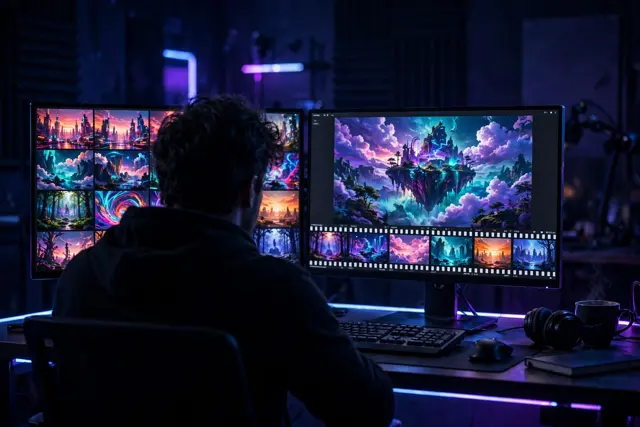
Plan Every Scene
Every tutorial here starts as a real project. Scenes are planned on screen, shot by shot, before anything gets generated.
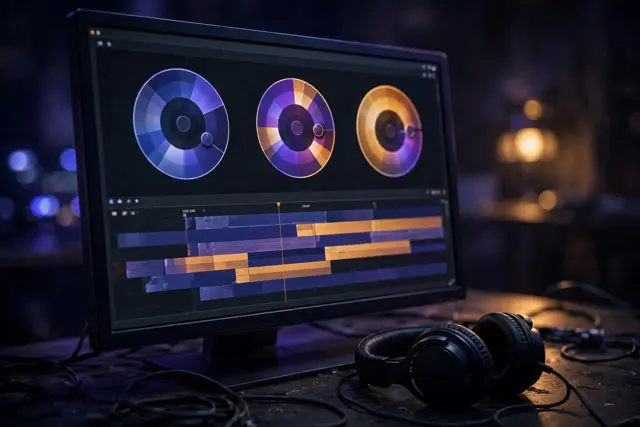
Generate & Review
Each clip is generated in Seedance or Veo, then reviewed frame by frame. If a shot does not hold up, it gets made again.
Test, Then Teach
The finished clips become the examples inside these guides. What you read here is what actually worked in a real project.
Real projects first. Guides second. No theory, no copy-paste.
Powered by Animation Media
Frequently Asked Questions
Do I Need Experience To Start With AI Video?
No. Our beginner guides assume zero experience — start with the glossary and prompting system, then pick a free tool to practice.
Which AI Video Tool Is Best For Beginners?
Kling and Pika offer generous free tiers that are perfect for learning. Read our honest 2026 comparison to find your fit.
How Much Does AI Video Generation Cost?
You can start free. Paid plans typically run $8–30/month depending on the tool. See our full 2026 pricing breakdown.
Can I Use AI Videos Commercially?
Most paid plans include commercial rights, but terms vary by tool and tier. Always check the current license on the tool’s official site.
Are Your Guides Really Free?
Yes — every guide on Viral Clip Lab is 100% free, forever. No paywalls, no accounts needed.
Tools We Cover
Honest Guides For The Tools Creators Actually Use.
Seedance 2.5
ByteDance’s cinematic AI video model.
Google Veo 3
Google’s native-audio video generator.
Runway Gen-4.5
Creative suite with editing built in.
Kling 3.0
Best value with realistic motion.
Pika 2.5
Fast, fun, beginner-friendly.
Luma Ray
Stunning visuals for dreamlike clips.
Ready To Create Something Great?
Join Creators Learning AI Video The Practical Way.