

Fix AI Video Flicker: Negative Prompts and Seed Tricks That Stabilize Motion
Fix AI video flicker with a 5-layer system: targeted negative prompts, positive constraints, seed discipline, prompt audits, and render settings.
Fix common AI video problems with negative prompts and seed control — cleaner outputs, fewer artifacts, more consistency.
Fix AI video flicker with a 5-layer system: targeted negative prompts, positive constraints, seed discipline, prompt audits, and render settings.
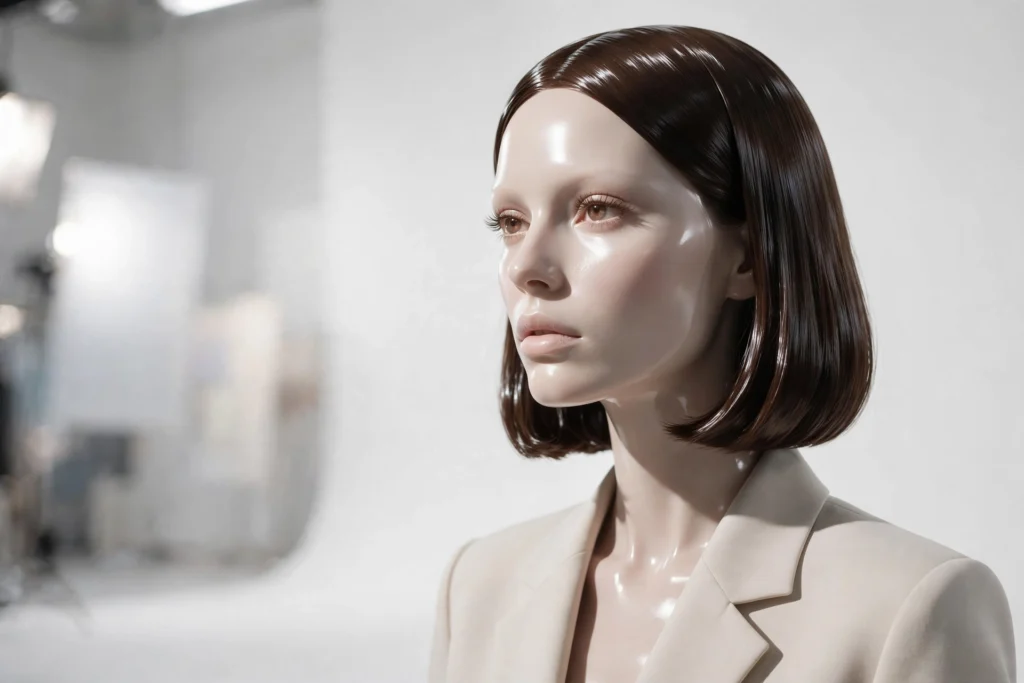
There is a specific kind of bad AI footage that I can spot from across the room now. The skin is too smooth. The eyes are bright but somehow empty. Nothing in

Face morphing is the artifact that ends the conversation. A viewer will forgive a soft background, a slightly odd hand, even a wobble in the set — but the

Every creator I know has a version of this story. The shot is not working. So you generate again. And again. The credits tick down, the takes pile up, and
“How many times should I regenerate this?” It is the most honest question in AI video and the one with the worst answers floating around. The forums say until

Ask a working creator to show you their negative prompts and you will usually get one of two things: a single heroic string pasted from a forum, unchanged for

Sooner or later every AI video creator hits the same wall. You move to a new tool, or a familiar tool changes its interface, and the negative prompt box is

Most creators keep one long negative prompt and paste it into every generation. It feels efficient, but it works against you. A close-up of a face does not

It happens to every creator eventually, and it feels like finding money. A generation comes back perfect — not acceptable, perfect. The face is alive, the
Here is a frustration I hear constantly, in different words: “I wrote the negative prompt exactly like you said, and the model ignored it.” Sometimes the

Nothing announces “AI-generated” faster than lettering. A beautiful street scene, good light, a character you actually like — and then the shop sign behind her
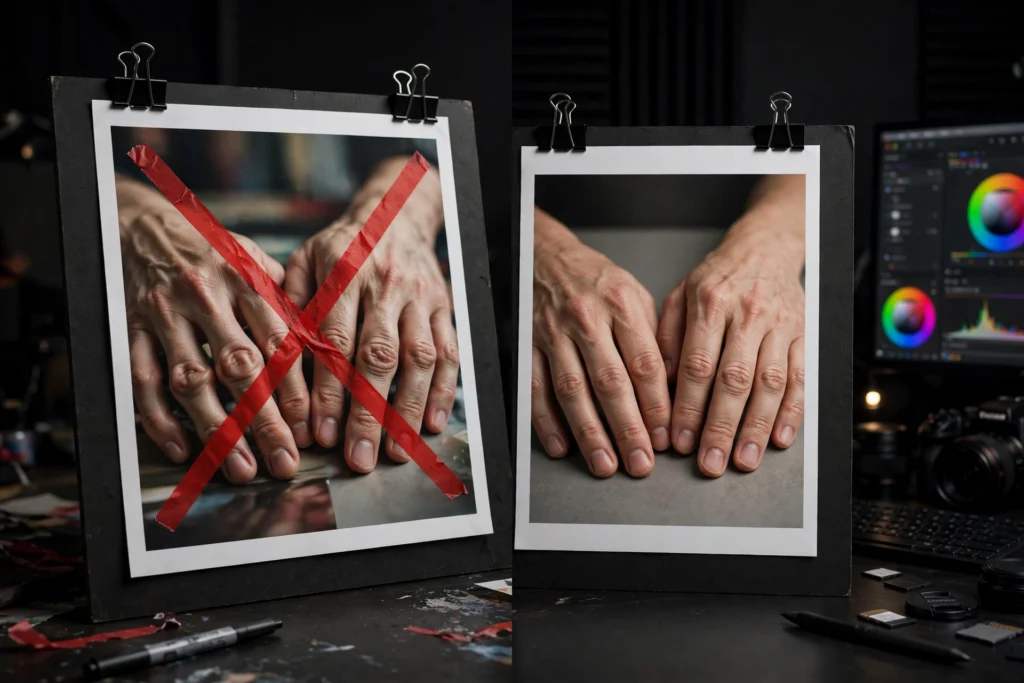
Every working AI video creator has a graveyard of nearly-perfect clips. The shot that was beautiful — except for the […]