
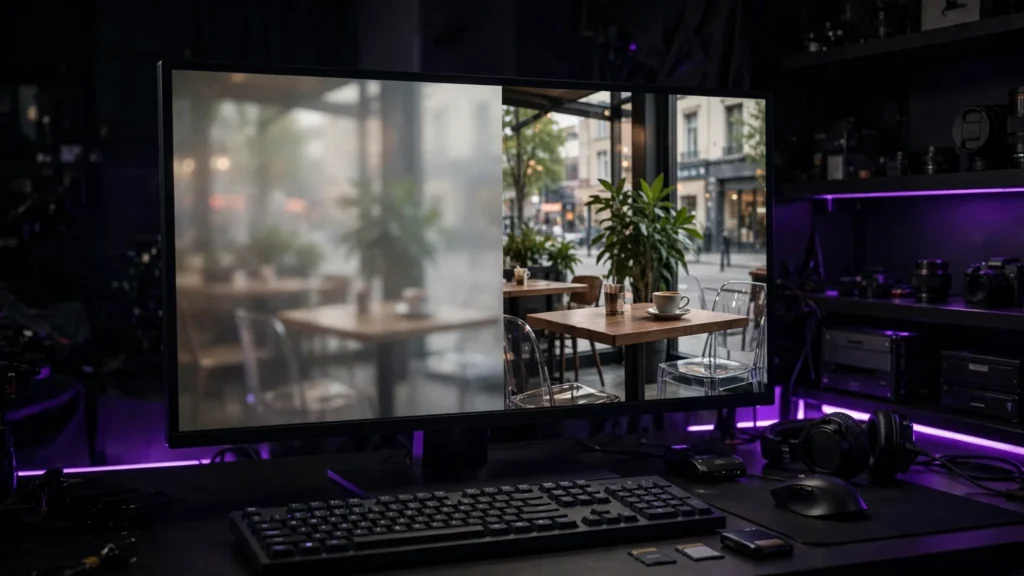
Every AI video tool quietly offers you a bigger number: generate at a modest resolution, then upscale and everything will look professional. Sometimes that is true. Sometimes you are just paying — in money, time, or both — to make a soft clip into a larger soft clip.
Upscaling is a tool, not a ritual. Here is when it earns its place in the pipeline and when it quietly wastes your afternoon.
What Upscaling Can and Cannot Add
An AI upscaler does not recover detail that was never there. It guesses new detail — edges, skin texture, fabric, hair — based on what usually belongs in an image like yours. When the guess is good, the shot looks cleaner and holds up on a bigger screen. When the guess is bad, you get waxy faces, crawling textures, and detail that shimmers when the camera moves.
That is the honest frame for every decision below: upscaling improves perceived sharpness. It cannot rescue a broken generation, a melted face, or a scene the model never understood. Fix the shot first. Then decide whether it deserves more pixels.
Upscale If the Delivery Actually Needs It
There are three cases where I upscale without much debate. The clip is finished and good, but it will be watched on large screens — a client presentation, a TV in a shop, a YouTube video most viewers will see on a television. The platform rewards the higher resolution with a better playback encode, which is a real effect on YouTube: higher-resolution uploads generally get the cleaner codec treatment. Or the shot is a hero shot — the one frame the whole piece hangs on — and it has to survive being paused, cropped, or reused later.
Notice what all three have in common: the destination demands it. Not the ego. Not the settings panel. The destination.
Don’t Upscale When the Platform Will Undo It
Short-form is where upscaling goes to die. A vertical clip headed for Reels or Shorts will be compressed hard no matter what you upload. Spending credits and render time to push a phone-sized clip to 4K usually buys you nothing the viewer can see — and the bigger file takes longer to upload, process, and store.
Also skip it when the shot is brief, dark, or buried under captions and overlays. And never upscale to hide a generation flaw. A distorted hand at 720p is a distorted hand at 4K, only bigger. Repair it or cut it; do not enlarge it. That ordering — fix, then finish — is the same one in my QC checklist.
Where in the Pipeline It Belongs
Upscale late. Editing, captions, and color work are all easier and faster at working resolution, and any effect you add after upscaling has to be rendered across many more pixels. My order is: generate, edit, repair, grade, then upscale the finished piece (or just the hero clips) right before export.
One exception: if a single clip needs to be cropped hard in the edit, upscaling that one clip first can save it. Cropping throws away resolution; starting bigger gives you something to throw away. Do it shot by shot, with a reason — not as a blanket step.
Where does frame interpolation fit? They solve different problems. Interpolation adds frames for smoother motion; upscaling adds pixels for a bigger frame. Doing both to the same weak clip is the fastest way to spend an hour polishing a shot you should have regenerated in four minutes. Look, we’ve all been tempted. Just regenerate the shot.
What to Look for in an Upscaler
Whether it lives inside your generator, in a desktop app, or in your editor, judge an upscaler on four things. Does it keep faces human instead of waxy? Does its detail stay stable when the camera moves, or does it crawl? Can you control the strength, or is it one aggressive look? And what does it cost you per finished minute — because the cheap-looking option that takes all night is not cheap.
Test on your worst good clip, not the demo footage. One face, one moving camera, one textured background. If it survives that, it will survive your real work. And keep the cost in perspective: generation credits are usually the bigger bill, which the cost and pricing breakdown walks through. Upscaling should be the small finishing expense, not the second production.
The rule I actually use: if the audience’s screen cannot show the difference, do not render the difference. Upscale for the destination, late in the pipeline, after the shot has earned it — and let the rest of your clips stay the size they need to be.