
It’s the comparison every AI video beginner eventually types into a search bar — usually at 1 a.m., with two pricing tabs open. Veo 3 or Seedance 2.5? Which one deserves your first month? Full disclosure: I work in Seedance daily. But “which should you learn first” isn’t really a question about which model is better. It’s a question about what you’re trying to make. Answer that, and the tool basically chooses itself.
The Honest Difference in One Paragraph
Here’s the honest difference in one paragraph. Veo is the photorealism play: short, stunning clips — typically a handful of seconds — with native audio and dialogue that can genuinely fool you, reached through Google’s AI plans and tools like Flow. Seedance is the director’s play: longer clips up to 30 seconds, deep reference control with dozens of inputs, and audio generated with the picture, accessed through apps like Dreamina and Jimeng. One is a brilliant cinematographer you hire by the shot. The other is a small studio that remembers your characters between scenes.
Clip Length and Control
This is where the two stop being rivals and become different instruments. A Veo clip is a moment — a perfect reaction, a hero product shot, one line of dialogue delivered beautifully. Building a full minute of story from Veo means stitching many moments together and fighting to keep the cast identical across every single one of them.
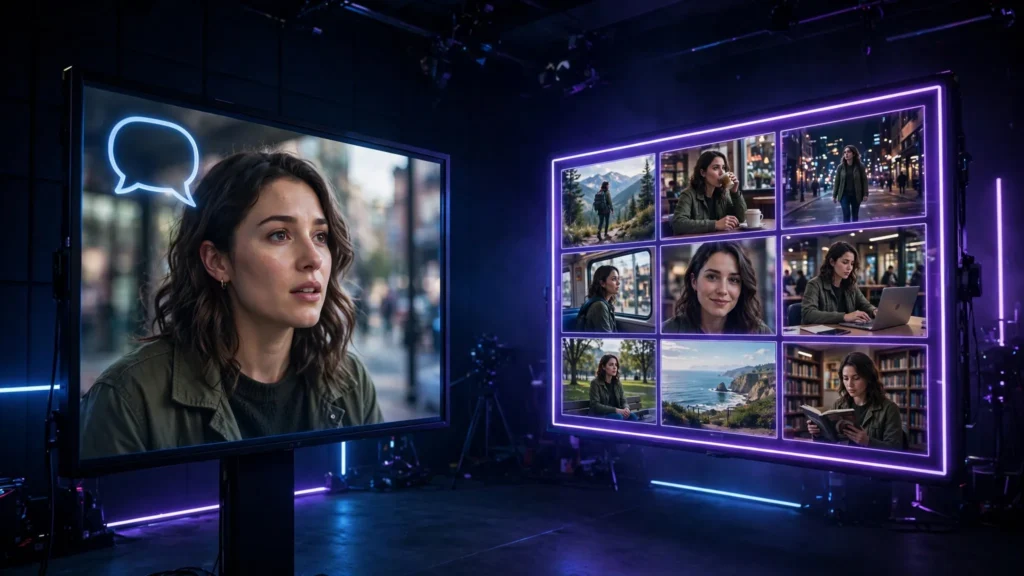
Seedance thinks in sequences. Character sheets, location references, longer native clips — you can direct a small scene instead of collecting fragments. If your idea has a continuing character — a series, a presenter, a mascot, a recurring face in your Shorts — that memory is the whole game. I covered the mechanics in the Seedance 2.5 guide; the point here is simpler: consistency is a workflow feature, not a lucky render.
Sound: Two Different Philosophies
Veo’s audio is designed to impress inside the clip itself: dialogue, ambience, and effects that arrive married to the picture. For a talking shot or a single cinematic moment, that immediacy is hard to beat — and the Veo guide goes into exactly where it shines.
Seedance generates sound with the picture too, but it treats sound as one input among many. You can feed audio references and direct the soundscape as part of a longer scene. In practice it shakes out like this: Veo gives you a performance; Seedance gives you a scene with sound in it. If your work is dialogue-led singles, Veo’s philosophy fits. If your sound gets built in the edit across many shots? Seedance’s does.
Price Reality
Money, briefly — because it decides more first choices than quality does, honestly. Veo sits inside Google’s AI subscriptions: Google AI Pro starts at $19.99/month (checked October 2026; plans and limits change, so verify before you pay). Seedance is mostly credit-based through the apps that host it, which means the cost depends on how much you generate and at what length.
The beginner mistake is comparing sticker prices. Compare cost per finished minute you actually publish. A cheap generation you re-roll six times costs more than a pricey one that lands on the second try. Which is why the real question is which tool’s strengths match your shots. The broader picture of what AI video costs lives in the pricing breakdown.
Learn Veo First If…
Learn Veo first if this is you: your content is built from standalone moments — cinematic B-roll, product shots, one-line dialogue clips, photoreal scenes where each video lives alone. You’re already inside Google’s ecosystem and want the fastest path from idea to something that looks filmed. Or your audience judges realism above everything — clients who flinch at anything that smells synthetic. Start with Veo, learn what great looks like, then borrow that eye everywhere else.
Learn Seedance First If…
Learn Seedance first if this is you: your content has memory. A character who returns, a location you revisit, a series format, anything longer than a moment. You think in scenes and storyboards rather than single shots. You want reference control and longer clips because your bottleneck is consistency, not sparkle. That’s my world — storyboard-first, recurring characters, sound built across a sequence — and it’s why Seedance is my daily driver rather than my demo tool.
Using Both Without Paying for Both
Honestly? Plenty of creators end up with a split: Seedance for the series work, Veo for the hero moments that need maximum realism. But you don’t have to start there. Learn one tool properly — its prompting habits, its failure modes, what a good take looks like — before renting a second. Skill transfers. The prompts get shorter, the references get better, and the judgment you build in the first tool is the thing you were actually missing. The comparison with the other big suite, in the Runway vs Kling breakdown, makes the same point from a different angle: tools differ, taste compounds.
So: moments or memory? Pick the one your next ten videos actually need. Learn it until its failures bore you. Let the other tool wait its turn. That order — content first, tool second — is the only part of this comparison that never goes out of date.