

Why Your First Ten AI Videos Will Look Bad (And Why That Is Normal)
Let me save you a spiral. Your first AI video will look worse than the ones in the tool’s showcase. Your second and third will also look worse. Somewhere
Let me save you a spiral. Your first AI video will look worse than the ones in the tool’s showcase. Your second and third will also look worse. Somewhere

Your first AI video is exported, it survived the phone test, and now you are sitting on the upload screen discovering a fresh thicket of questions nobody
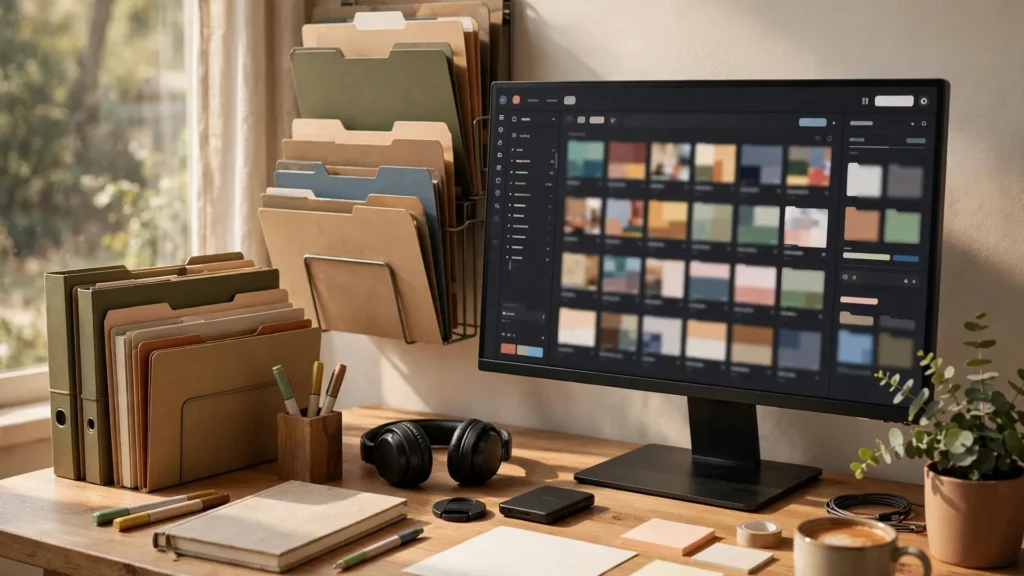
Here is a scene I have lived, and if you are new to AI video you will live it too. Three weeks into making clips, you need the good take — the one where the

Every AI video creator has written this script: “A brave knight journeys across the kingdom, battles a dragon, and returns home a hero.” Then they type it into

“How long does this take?” sounds like a logistics question, and beginners ask it hoping for a number. The honest answer is two numbers that feel unrelated: a

Every beginner knows the moment. The generator is open, the cursor blinks in the prompt box, and your mind — which was full of film ideas in the shower —

Most people spend their first week in AI video collecting tutorials, comparing tools, and generating nothing. You can skip that week. In one focused afternoon,

When I look at a beginner’s browser after their first week in AI video, I can usually predict how many finished videos they have. Twelve tabs open — three

Open any AI video generator and you will find a panel of dials that nobody explained to you: durations, motion sliders, guidance numbers, quality modes with

Give me one week of small, finished exercises over a month of ambitious intentions, every time. Most people who “start learning AI video” spend their first

Moments or memory? Veo’s photoreal single shots against Seedance’s longer, character-consistent scenes — and which one your next ten videos actually need.
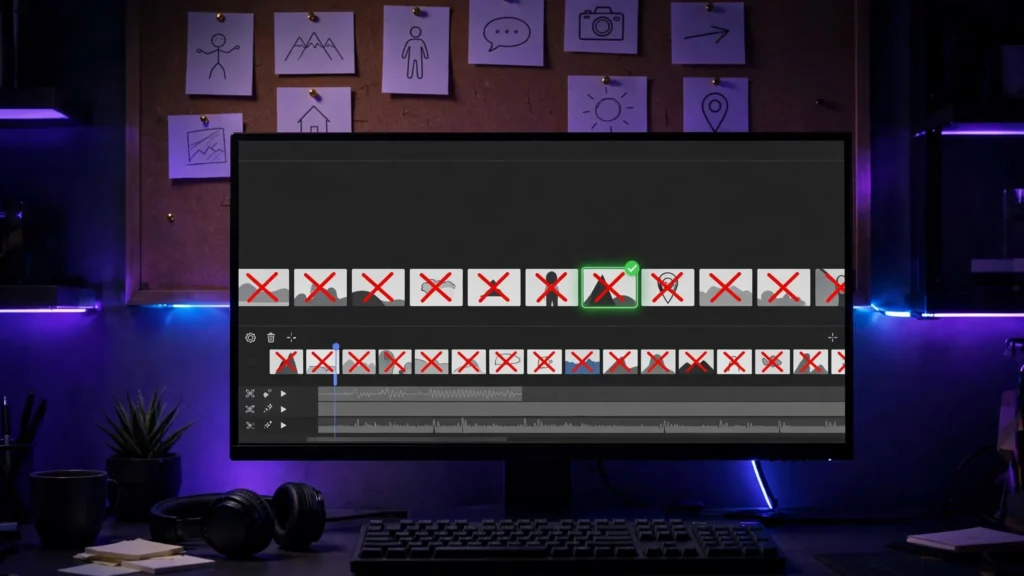
Most Seedance 2.5 problems are workflow mistakes, not model failures. Seven beginner mistakes that wreck clips — and the fixes that cost no extra credits.