
A lot of AI videos look expensive and sound pasted together. The picture was generated on Monday, the voice was recorded on Tuesday, and nobody introduced them to each other.
Pairing voiceover with AI footage is its own skill — not because it is technical, but because the order you do things in decides whether the finished piece feels narrated or assembled. Here is the order that works, and the mistakes that make it sound cheap.
Script First or Footage First? Pick One on Purpose
There are two sane orders. In the first, you write and record the voiceover, then generate and cut the picture to serve it. The narration leads; every clip exists because a line needed it. This is the right order for explainers, stories with a narrator, and anything where the words carry the meaning.
In the second, you build the visual sequence first and write the voice to fit what the footage does well. This suits mood pieces and character scenes, where the generated performance came out better than the script imagined.
What does not work is the third order most beginners use: generate random clips, record random narration, and hope the edit marries them. It will not. The seams you hear in bad AI videos are usually born right there. Right there at the start, before a single cut was made.
Write Lines the Picture Can Actually Carry
Voiceover for AI video has one constraint traditional narration does not: every line implies a shot you must be able to generate. A line like “meanwhile, across town, the factory burned” costs you a location, a fire, and a transition. Write with your shot list open. Short lines, one idea each, with pauses you can cut on. If a sentence needs three images to make sense, it is two sentences wearing a trench coat.
Read it aloud before recording anything. Lines that look fine on the page trip over their own length when spoken, and spoken length is what your clips must match. This five-minute habit saves more re-generation than any setting in any tool. I’ll be real — it feels silly the first time, talking to yourself in a room. Do it anyway.
Recording or Generating the Voice
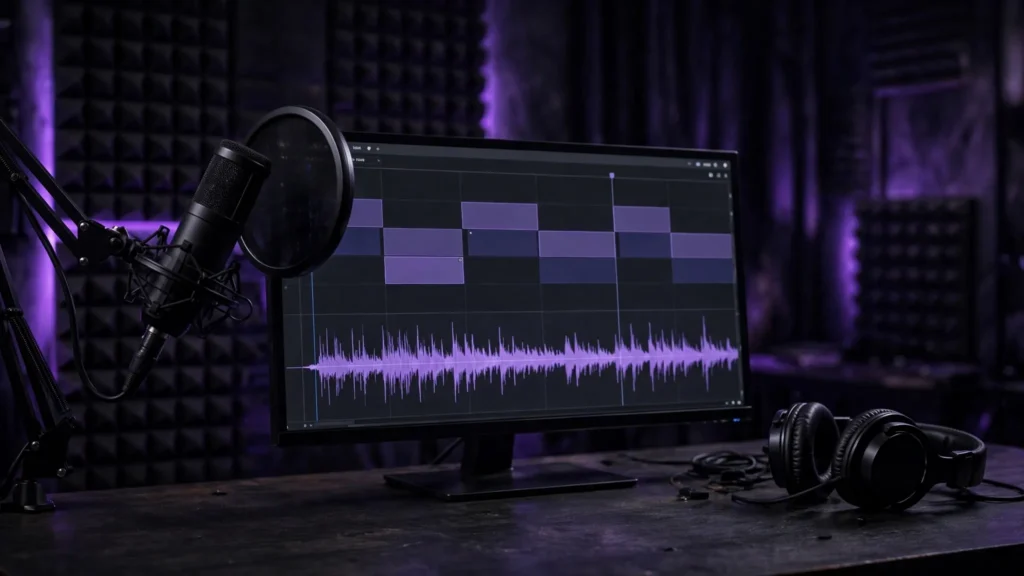
Your own recorded voice, even on a modest microphone in a treated corner, carries something generated voices still chase: irregular, human emphasis. A generated voice wins on speed, languages, and consistency across a long series. Either can work.
What cannot work is a voice that was never directed — flat pace, same energy for the joke and the warning. That flat read is the single fastest way to make a good video feel cheap.
Direct it like an actor, whichever kind it is. Mark the script: where to slow down, which word gets the weight, where the breath goes. If the character speaks on screen rather than narrating, you are in lip-sync territory and the rules tighten — the voice has to be finished before the talking shot is generated or synced. For off-screen narration, you have more freedom, but the performance still has to be decided before the final mix.
Cutting Picture to the Voice in the Edit
In Premiere, I lay the finished voice track down first and treat it as the ruler. Clips get chosen, trimmed, and ordered against the words — not the other way around. A shot usually enters a breath before the line it illustrates, so the viewer’s eye arrives as the word lands. Let a visual linger a half-second past its line and the whole piece feels thoughtful; cut it short and everything feels rushed.
Generate with handles. A clip that is exactly as long as its line gives you nothing to trim when the read runs long or the pause lands differently. Two extra seconds on each side is cheap insurance.
The wider discipline — generate, assemble, then refine — is the same one in the Premiere editing workflow; voiceover just makes the order non-negotiable.
Mixing Voice Against Music and Effects
The voice is the lead instrument. Everything else is the band, and the band plays quieter. Sidechain or manually dip the music under speech — the manual dips sound better and take ten minutes. Keep background effects honest: if the narration mentions rain, the rain should be felt under the voice, not competing with it.
Consistency matters more than loudness. Platforms normalize overall level anyway; what they cannot fix is a voice that whispers one line and shouts the next. Ride the voice track clip by clip until it sits at one confident level, then set music relative to that. This is the unglamorous half of the sound design workflow, and it is the half audiences actually judge.
Mistakes That Make It Sound Cheap
The same five, every time. Narration that describes exactly what we are already seeing (“here we see a woman walking”) instead of adding what the picture cannot say. Music with lyrics under spoken words. A voice recorded in a bathroom competing with footage shot in a cathedral of reverb. Lines that all end on the same musical rise because the script was written as one long paragraph. And the quiet killer: cutting every clip to start exactly on its line, so the video marches like a slideshow with a narrator.
None of these are tool problems. They are pairing problems — and pairing is a decision, made early, about which partner leads. Decide that, write lines your shots can carry, cut picture to a finished voice, and mix everything else underneath.
Do those four things and the voice stops sounding added. It sounds like the reason the video exists.