
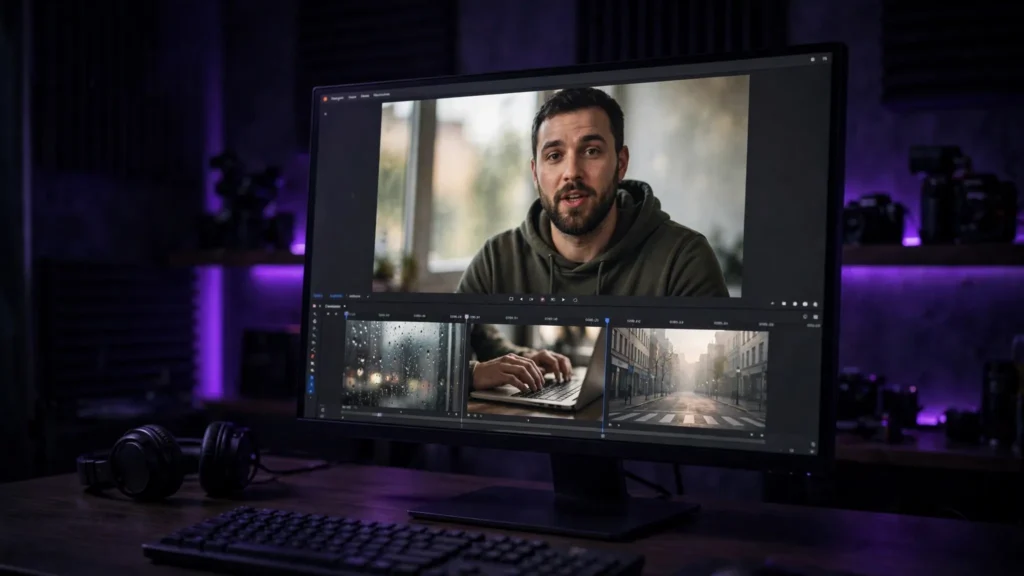
AI B-Roll: Generating Filler Footage That Doesn’t Look Fake
AI B-roll works when it stays ordinary. How to prompt filler footage that matches your main shots — and where to never use it.

AI B-roll works when it stays ordinary. How to prompt filler footage that matches your main shots — and where to never use it.
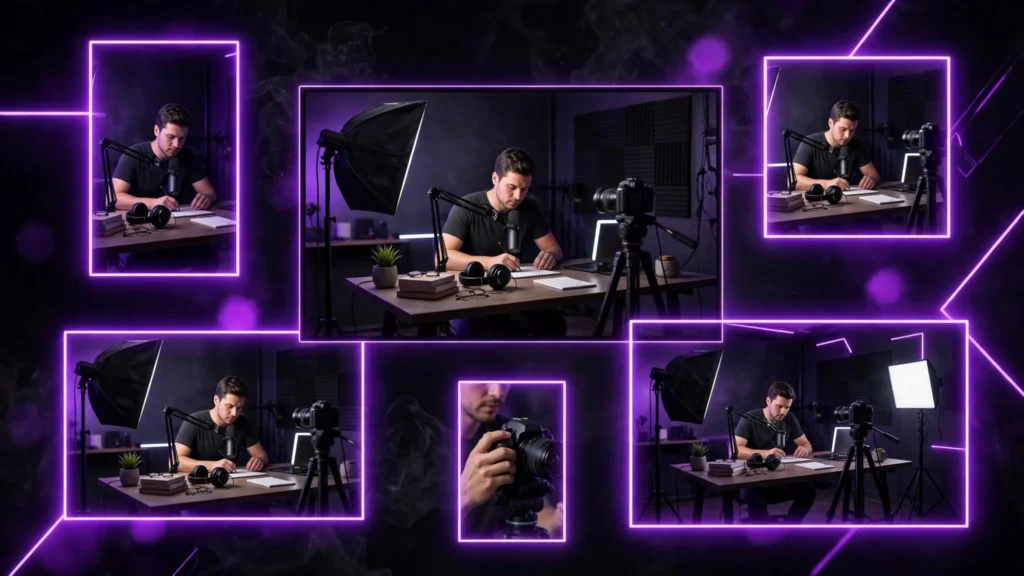
Generate one clean master, then cut it five ways — vertical, feed, widescreen — with a different first frame and caption job for every platform.
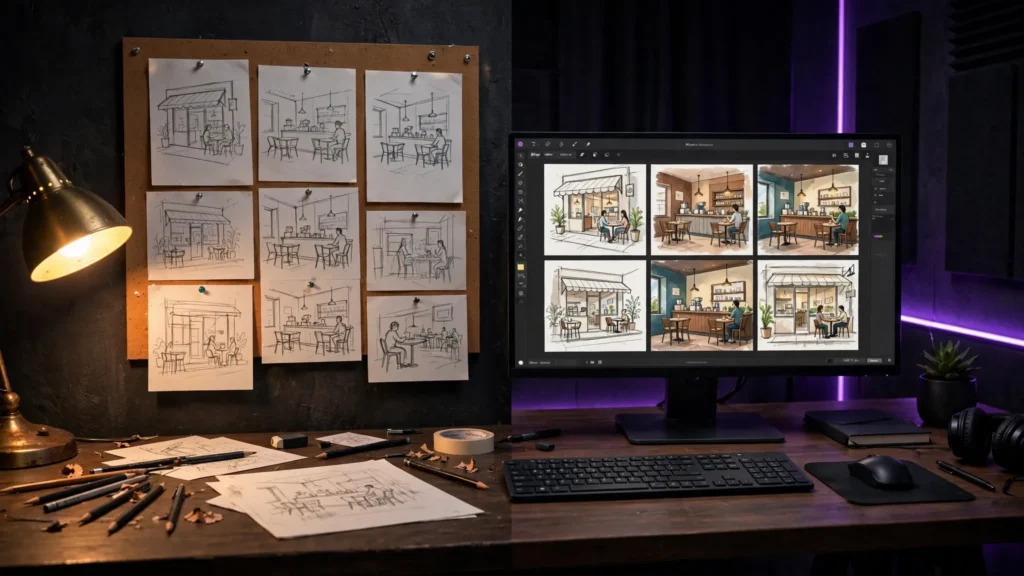
Paper for speed, digital for control, and a hybrid workflow that locks characters and locations before you pay for a single generation.
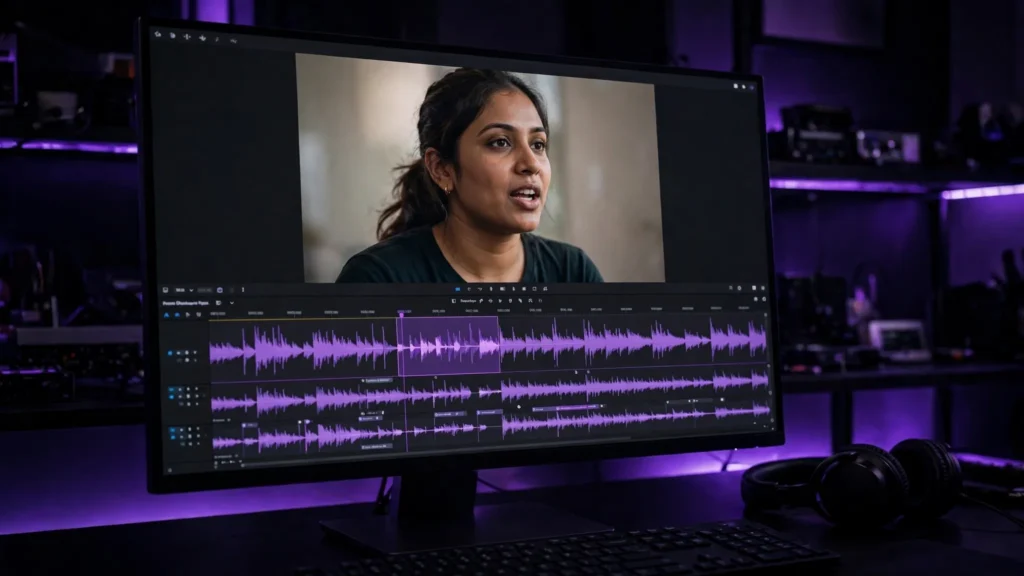
Lip-sync fails when the shot fights the audio. The two routes that work — generate it talking, or fix it in post — plus a workflow that holds up.

No magic number — just clear ranges. One action needs 20–40 words, a directed shot 60–100, and past about 150 you should split the scene instead.
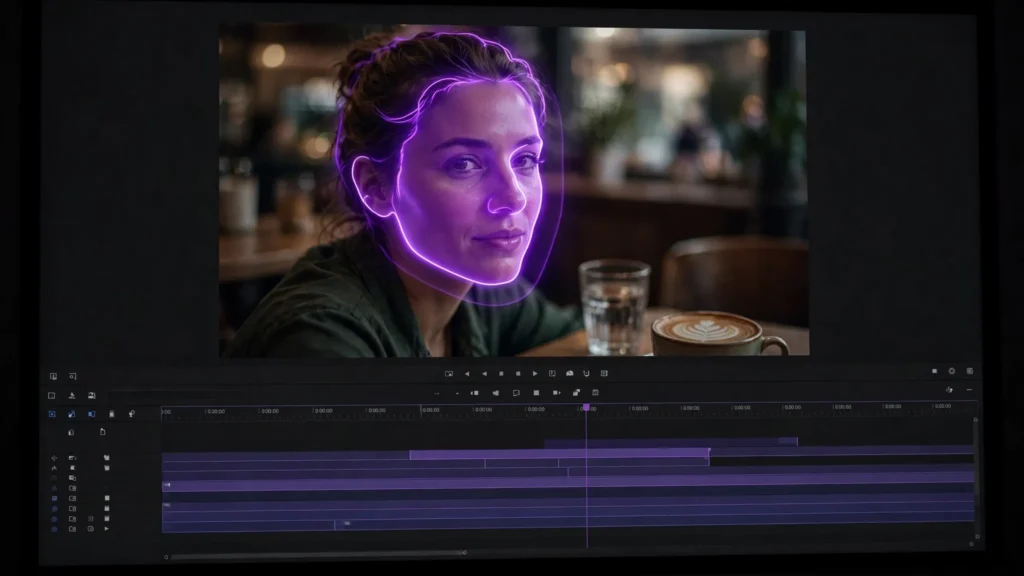
Why AI faces melt mid-shot, and the repair ladder that fixes most of them: prevent it, re-roll with a locked seed, inpaint just the face, or cut around it.
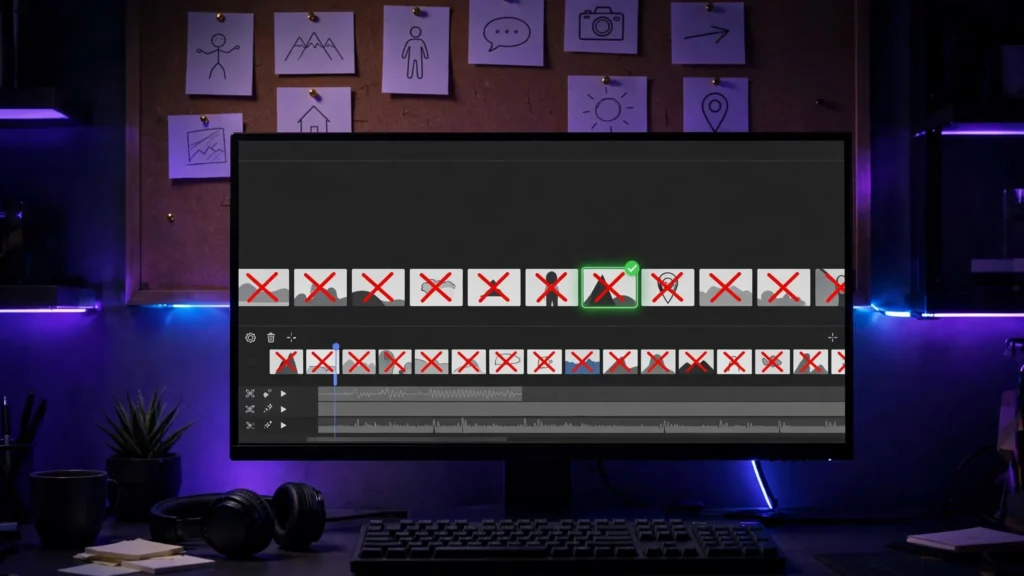
Most Seedance 2.5 problems are workflow mistakes, not model failures. Seven beginner mistakes that wreck clips — and the fixes that cost no extra credits.
This is a complete ultra master prompt system from the Viral Clip Lab Prompt Library. Copy it, paste it into […]

This is a complete ultra master prompt system from the Viral Clip Lab Prompt Library. Copy it, paste it into […]

This is a complete ultra master prompt system from the Viral Clip Lab Prompt Library. Copy it, paste it into […]

This is a complete ultra master prompt system from the Viral Clip Lab Prompt Library. Copy it, paste it into […]
This is a complete ultra master prompt system from the Viral Clip Lab Prompt Library. Copy it, paste it into […]